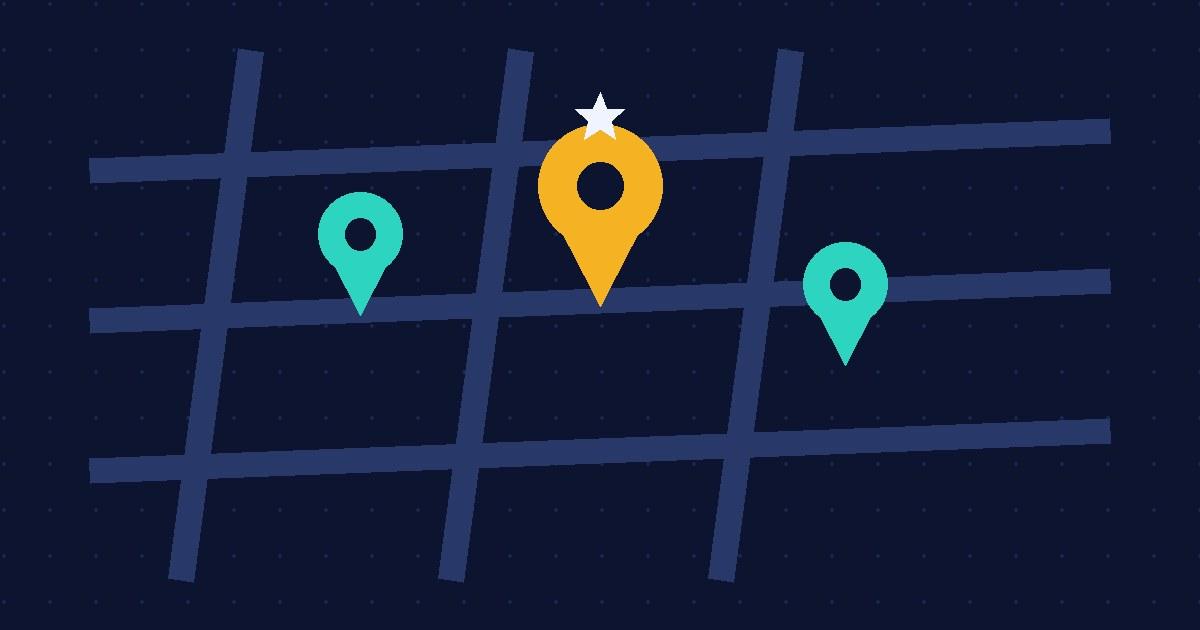
When someone nearby searches for a business like yours, Google usually shows a map with three highlighted listings before the regular website results. That box is where most local customers make their decision, so learning how to rank higher on Google Maps is one of the most valuable things a local business can do. This guide explains what Google actually looks at and the practical work that moves you up. If you are working through the wider picture as well, the local SEO checklist covers the full local routine — here we focus on the map itself.
Where Your Maps Ranking Actually Shows
Your Google Business Profile ranking decides two placements. The first is the local pack: the map and three business listings that appear near the top of regular Google search results for local searches such as 'plumber near me' or 'coffee shop open now'. The second is inside Google Maps itself, where people browse, compare businesses and request directions. Both placements come from the same profile and the same ranking factors, so improving one improves the other. Businesses in the pack receive the calls, the direction requests and the visits, because most searchers rarely scroll past it to the ordinary results below.
Your profile does the heavy lifting, but Google also looks at your website. A site that loads properly, works on phones and clearly states what you do and where you do it supports everything your profile claims. If your website has never had a proper health check, work through a technical SEO checklist once — a broken or confusing website quietly undermines the profile that points to it.
Google Maps Ranking Factors: Relevance, Distance and Prominence
Google has said plainly that local results are based mainly on three things: relevance, distance and prominence. Understanding these Google Maps ranking factors tells you where your effort will actually pay off — and which parts are simply out of your hands, whatever anyone promises you.
Relevance: How Well You Match the Search
Relevance is how well your business matches what the person is looking for. Google compares the words in the search with the information in your profile: your categories, your services, your business description and the content on your website. A profile that says exactly what the business does, in the plain words customers use, matches more searches. A vague or incomplete profile matches fewer, because Google cannot confidently recommend a business it does not fully understand. This is also why two similar businesses get different results for different searches: the one whose profile clearly lists the exact service being searched for is the one Google can show with confidence. Almost everything in the practical section below is about building relevance.
Distance: The Factor You Cannot Change
Distance is how far your business is from the person searching, or from the location named in their search. Google weighs it in every local result, and there is nothing you can do to change it — nor should you try. What you can do is make sure your map pin and address are exactly right, so you get full credit for the area you genuinely serve. A business in the searcher's neighbourhood will usually outrank a better-known business across the city, and that is by design: local search is meant to surface what is nearby and reachable.
Prominence is your reputation in the wider world. Google looks at how much trustworthy information exists about your business across the web: links from other websites, mentions in directories and articles, and your overall visibility. This is where what are backlinks quietly matters — a link from a respected local or industry website is a vote that your business is real and established. Your Google reviews feed into prominence too: the number of reviews and your average rating are one signal among several, which is why they matter without being the whole story. A business that people talk about, link to and review is a business Google feels safe recommending.
How to Improve Google Maps Ranking: The Practical Work
None of the three factors responds to tricks. They respond to a complete, accurate, active profile. Here is the work that builds them, in roughly the order it pays off.
Claim and Fully Complete Your Business Profile
If you have not claimed your listing, start there: claim it, verify it, and then fill in every field Google offers. An unfinished profile is the most common reason businesses stay invisible on the map. Add your address or service area, phone number, website, opening hours, a clear description of what you do, and your opening date if asked. Google ranks what it understands, and every empty field is a question you have left unanswered. Treat the profile like your shopfront: complete, current and specific beats short and vague every time.
Choose the Right Categories
Your primary category is one of the strongest relevance signals you control. Choose the category that describes what your business IS, not everything it happens to do — a dentist is a 'Dentist', not a general 'Clinic' with dental services mentioned somewhere below. Then add sensible additional categories for your genuine secondary services, such as specific treatments or departments. Skip categories for services you do not actually offer; they dilute your relevance and can send the wrong customers to your door. Google Business Profile categories exist for nearly every trade, so pick precisely rather than broadly.
Use Your Real Business Name — Only
Your profile name must be your real business name: the one on your shop sign, your invoices and your legal documents. Adding keywords to it — turning 'City Cuts' into 'City Cuts Best Cheap Hair Salon in Town' — is against Google's guidelines, and it is one of the fastest ways to get a listing suspended. It also backfires with customers, who can spot a stuffed name instantly. If your real name is plain, that is fine. Rankings come from the whole profile, not from a decorated name, and a suspension wipes out everything you have built.
Add Services, Attributes, Hours and Service Areas
List every service you genuinely offer, using the names customers actually search for. Add the attributes that apply to you — such as wheelchair access, outdoor seating or appointment-only visits — because searchers filter on them. Keep your hours exact, and set special hours for public holidays instead of leaving people to guess; few things damage trust like a customer arriving at a closed shop that Google said was open. If you visit customers rather than hosting them, define your service areas honestly so you appear for the places you really cover.
Add Real Photos, and Keep Adding Them
Profiles with real photos look alive, and Google treats an active profile as a healthier one. Add clear photos of your premises, your team at work, your products and your finished jobs — real phone photos are better than polished stock images, because customers will compare them with what they find when they arrive. Add a few new ones every month or so. A steady trickle of genuine photos tells both Google and customers that the business is open, active and proud of its work.
Use Google Posts and Answer the Questions
Google Posts let you publish short updates — offers, events, new services — directly on your profile, and fresh content signals an active business. Just as important is the Questions and Answers section: customers ask questions there whether you participate or not, so check it regularly and answer helpfully yourself. Anyone can post an answer, and a wrong answer from a stranger stands until corrected. A few minutes a week keeps your profile accurate, current and visibly cared for.
Your profile does not exist in isolation. Keep your name, address and phone number identical on your website and across the directories that list you, so Google never has to guess which version is true. On your own website, what is schema markup — specifically LocalBusiness structured data — states your address, hours and contact details in a format search engines read directly, confirming what your profile says. Consistency is unglamorous work, but conflicting details are a quiet ranking killer.
What Does Not Work
Three shortcuts reliably cause damage. Keyword-stuffed business names break Google's rules and risk suspension, as covered above. Fake locations — a virtual office, a rented mailbox, or a map pin dropped in a busier neighbourhood you do not serve — mislead customers and are removed when reported or detected. And bought reviews are both against Google's policies and obvious to readers: a sudden flood of generic five-star praise convinces nobody. Every one of these trades a small, brief gain for the risk of losing the listing entirely.
How to Check Your Ranking Honestly
Do not judge your ranking by searching from your own shop, logged into your own account — Google personalises results, and your business will look better to you than to a stranger. Instead, search the way a customer would: signed out, or in a private browsing window, using the words they would use. Then repeat the search from different locations, or ask friends in other parts of the city to try. Rankings change with the searcher's position, so a business can be first on one street and hard to find two kilometres away. That variation is normal — and it is exactly why distance matters so much.
A Realistic Word on Timelines
Fixing an incomplete profile can improve things within weeks, but real movement in competitive areas takes steady work over months. There are no overnight jumps, and anyone promising the top spot by Friday is selling something Google does not offer. Local rankings also shift as competitors improve their own profiles, so the goal is not a one-time fix but a profile that stays complete, accurate and active while others neglect theirs. That consistency is what compounds over time.
Ranking higher on Google Maps comes down to this: a complete and truthful profile, the right categories, and a reputation that exists beyond the listing itself. Work through the steps above in order, keep everything accurate, and give the results time to build. If your hours are better spent running the business itself, local SEO services exist for exactly this kind of ongoing work — the profile, the website and the steady upkeep, done properly and within the rules.
You can also see my 6-step SEO process, read client reviews, or get in touch.
Frequently Asked Questions
How do I rank higher on Google Maps?
Start with a claimed, fully completed Google Business Profile: the correct primary category, your real business name, accurate hours, services and contact details. Then build the ranking factors you control — relevance, by describing exactly what you do, and prominence, by earning genuine reviews and mentions across the web — while distance takes care of itself based on where you really are. Keep the profile active with real photos and posts, keep your details consistent everywhere, and avoid shortcuts like keyword-stuffed names or fake locations, which risk suspension. Progress is gradual, measured in weeks and months, not days.
What factors affect my Google Maps ranking?
Google bases local rankings mainly on relevance, distance and prominence. Relevance is how well your profile matches the search — your categories, services and description. Distance is how far your business is from the searcher, which you cannot change. Prominence is how well-known and trusted your business appears: reviews, ratings, links and mentions across the web all feed into it. Behind those three sits the profile itself — a complete, accurate, verified Business Profile gives Google the information it needs to rank you for the right searches in the first place.
How does my Google Business Profile affect my Google Maps ranking?
Your Business Profile is the source Google ranks. Almost everything a searcher sees in the local pack — your name, category, rating, hours, photos and contact options — comes straight from it, and the ranking factors are calculated from its contents. An incomplete or inaccurate profile gives Google little to match against searches and little confidence to recommend you. A complete profile with the right categories, listed services and current hours can match far more searches. In short: no profile work, no Maps visibility.
Do Google reviews help me rank higher on Google Maps?
Yes, but as one signal among several, not a magic lever. Your review count and average rating feed into prominence — how well-known and trusted your business looks — and a strong rating also persuades customers to choose you once you appear. Reviews will not rescue an incomplete profile, and they rarely beat a much closer competitor for a nearby searcher. Earn them honestly through good service: bought or fake reviews break Google's policies and can damage the very listing you are trying to grow.
How long does it take to rank higher on Google Maps?
There is no set timetable. Completing and correcting a neglected profile can show improvement within a few weeks, while overtaking established competitors in a busy area usually takes months of steady work. Your market matters: a specialist in a small town tends to move faster than a restaurant in a city centre. Rankings also keep shifting as rivals update their own profiles. Judge progress monthly rather than daily, keep your profile complete and active, and distrust anyone who guarantees a top-three spot by a fixed date — Google does not sell that certainty to anyone.